Receiving Shared Files from WTC
When you share a file in WTC, a shareable link is generated. You can send this link to business partners so they can receive the shared file.
Paste this link in an internet browser to go to the File Pickup Page, where the file can be downloaded:
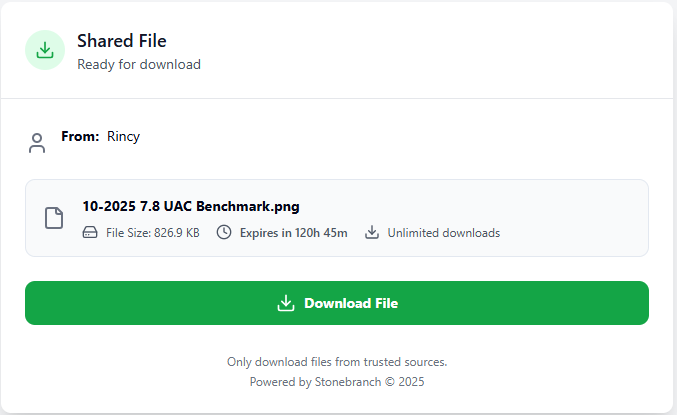
If the file is protected, you will be prompted to enter a password in order to download the file.
If the share link is Expired, Completed, or Revoked, you will be unable to download the file. See Shared Files - Status for details.
Some basic information about the file is given, such as:
- Who shared the file
- A short message (if the sender wrote one)
- File name
- File size
- When the share link expires
- How many times the file can be downloaded
Be sure only to download a file if you trust the sender.