WTC Profile Settings
The WTC Profile Settings allow you to view and customize WTC system behavior. Profile Settings are specific to your Account, so any changes you make here will not affect other members of your organization.
To get started, click the Profile Settings icon in the Navigation Bar of the File Workspace.

This takes you to Profile Settings page:
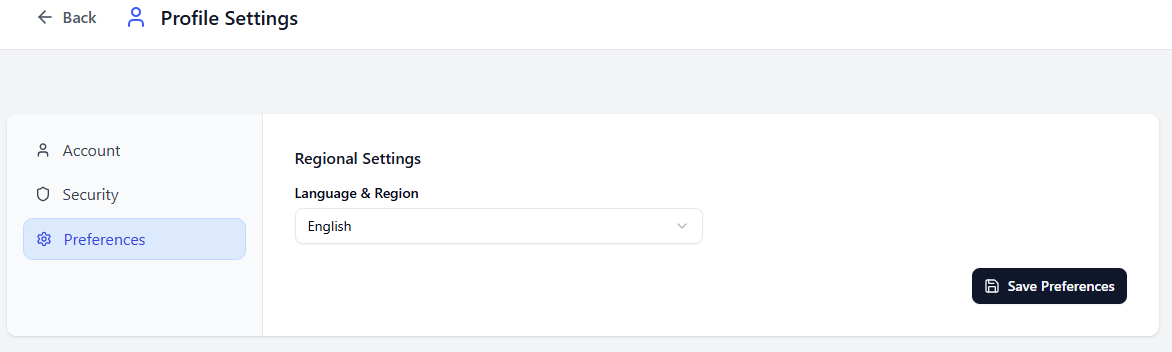
There are three tabs in the Profile Settings menu:
- Account
- Security
- Preferences
In the Account tab, you can view Username. You cannot change your Username from here.
WTC users are automatically generated from UDMG Accounts, so if you want to change your Username, a UDMG User must change the name of the corresponding Account from the UDMG Admin UI.
In the Security tab, you can change your password. The new password must satisfy the complexity requirements set by Password Policy.
You can only change your password if your Account uses Standard Authentication, and the WTC Endpoint is configured to Allow Password Change.
In the Preferences tab, you can change the language of the WTC interface. File names are not translated. You can select one of the following languages:
- English
- German
- Spanish