Simulating Extension Cancel
On this page, we will cover the following:
- Setting up extension.py to handle Cancellation
- Issuing the Cancel command
Step 1 - Setting Up extension.py to Handle Cancellation
With this extension, it is a little hard to demonstrate cancel functionality in a meaningful manner. So, the feature will be demonstrated using a contrived example.
In the __init__ method in extension.py, add a property called self.wait = True:
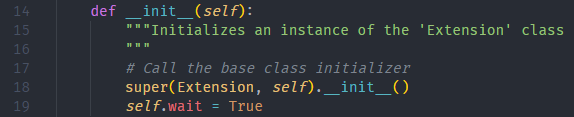
extension.py::_init_
def __init__(self):
    """Initializes an instance of the 'Extension' class
    """
    # Call the base class initializer
    super(Extension, self).__init__()
	self.wait = True
In the extension_start method in extension.py, add the following lines of code at the beginning:
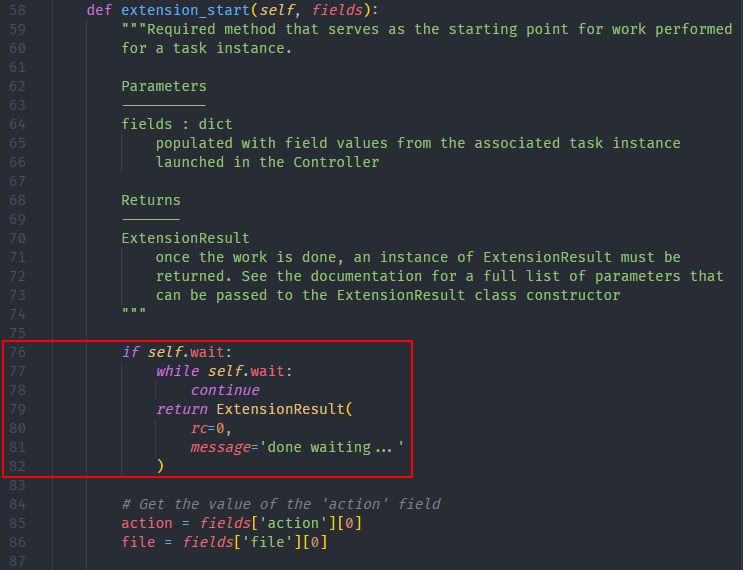
extension.py::extension_start
if self.wait:
    while self.wait:
        continue
    return ExtensionResult(
        rc=0,
        message='done waiting...'
    )
Add the extension_cancel method to the Extension class in extension.py as follows:

extension.py::extension_cancel
def extension_cancel(self):
    print('setting self.wait to False')
    self.wait = False
Step 2 - Issuing the Cancel Command
The idea is that extension_start will be stuck in the infinite while-loop, and the only way to exit is if extension_cancel is called. Go ahead and launch any of the extension_start configurations, and perform the actions shown below:
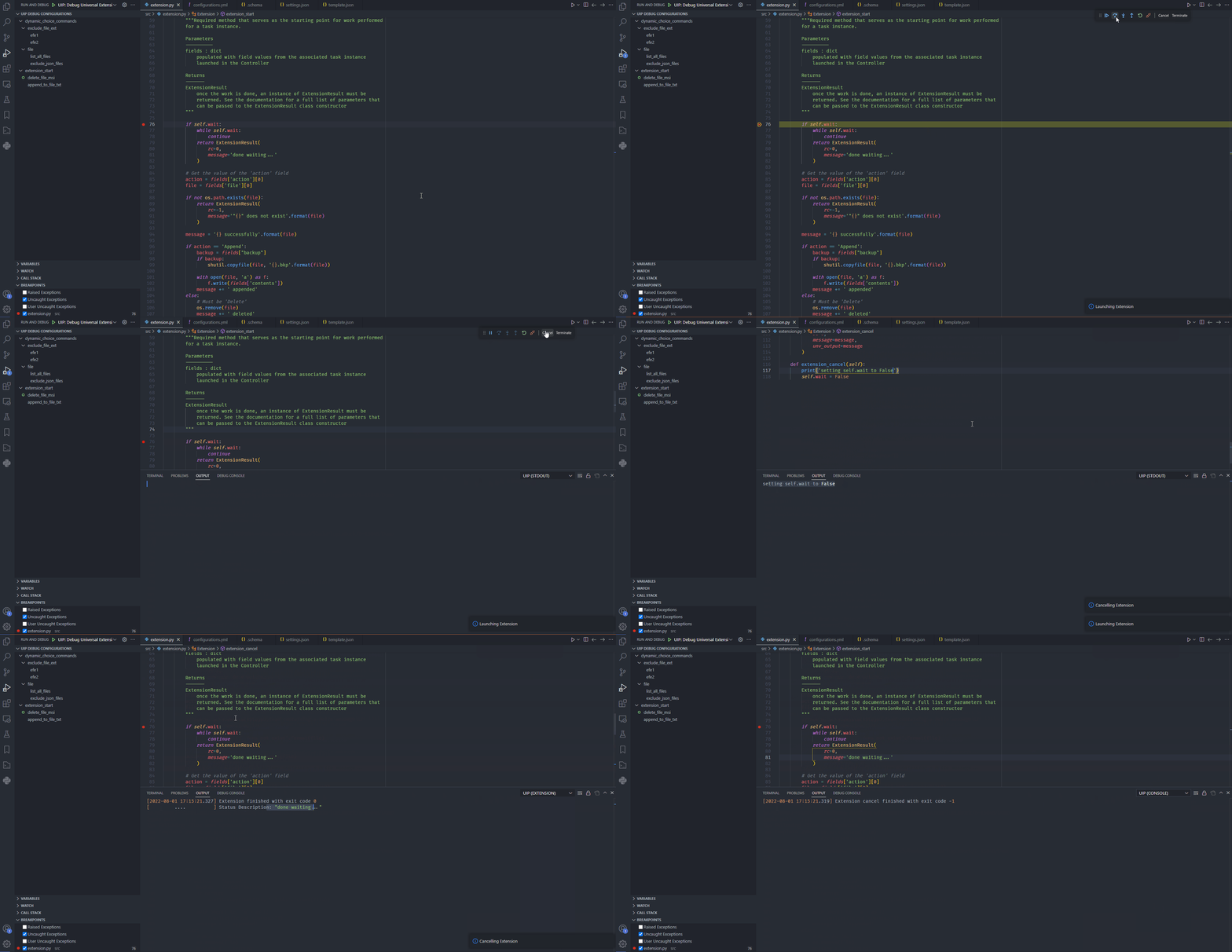
As you can see in the execution above, the while-loop exited once Cancel was pressed, which results in extension_cancel being called.