Changing Universal Extension API Level
On this page, we will cover the following:
- Changing Universal Extension API Level
Step 1 - Changing Universal Extension API Level
As mentioned in the requirements, this backlog should allow the developer to easily test their Extension against the officially supported Universal Extension API Levels.
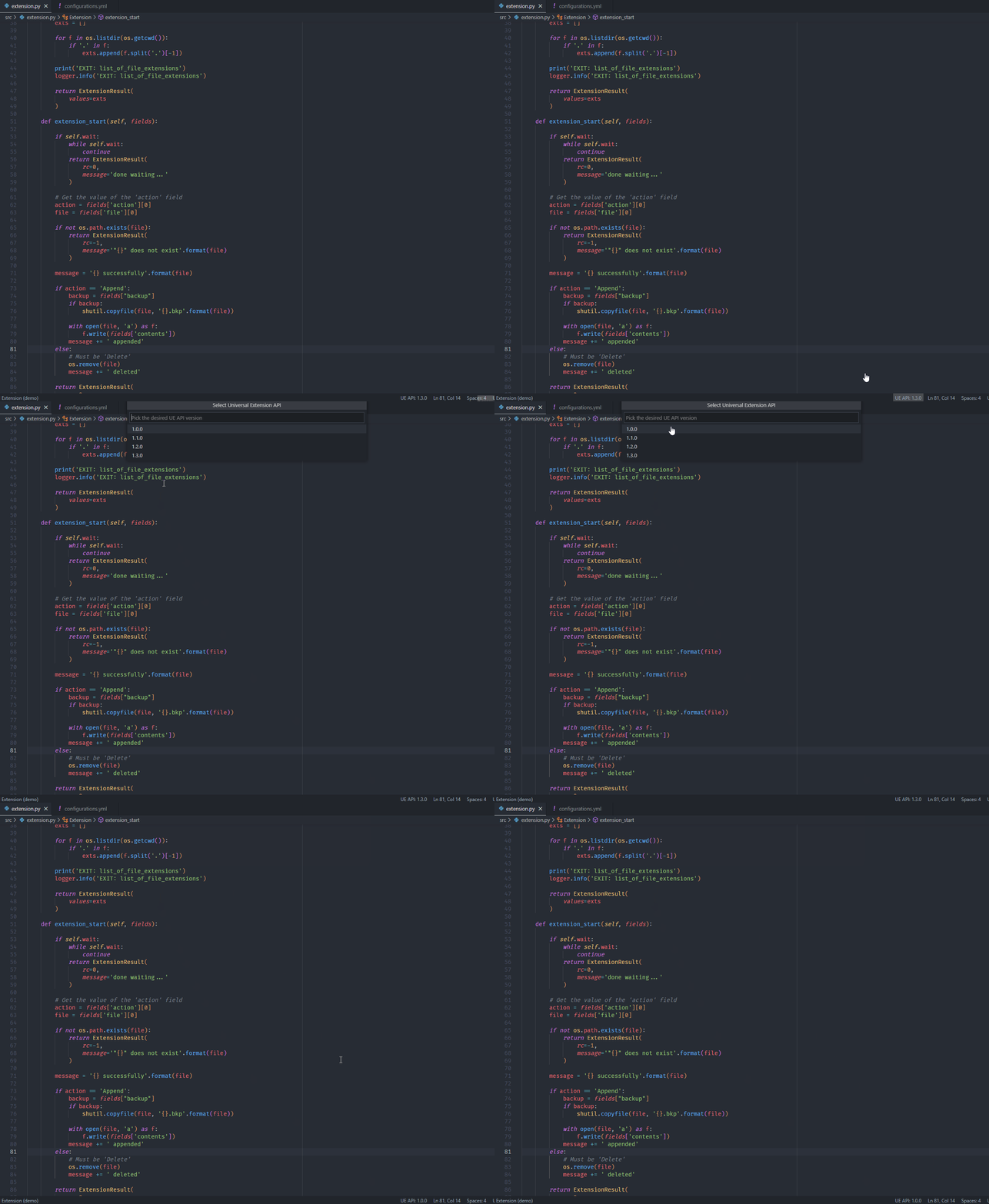
You may have noticed a new addition to the VSCode Status Bar that shows the currently select Universal Extension API Level:

Go ahead and click UE API: 1.3.0 and select 1.0.0.
Now, launch one of the extension_start() configurations; it doesn’t matter which one. In my case, I’m launching delete_file_msi. Upon launch, you will see the debugger is running, but there is no cancel button:

In API Level 1.0.0, the cancel functionality was not available, which is why the debug toolbar doesn’t show it. Go ahead and press the “Terminate” button to force kill the extension.