Editing an Agent via I-Administrator
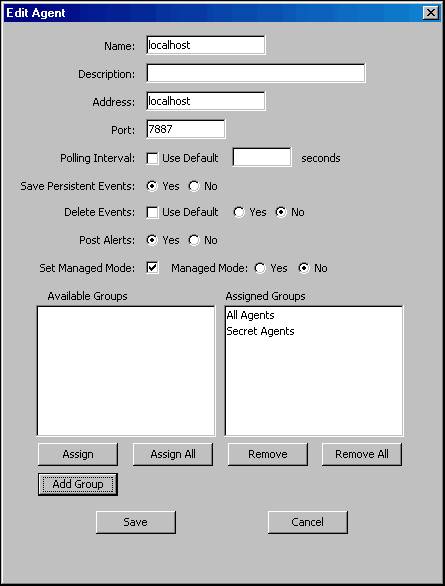
Perform the following steps to edit a UEC Agent.
Step 1 | Select a UEC Agent to edit either by:
|
|---|---|
Step 2 | Enter and/or edit information for the Agent in the same way as instructed for adding an Agent (see Adding an Agent via I-Administrator). |
Step 3 | Click the Save button to save the changes to the selected Agent (or click the Cancel button to exit the dialog without editing the Agent in the UEC database). |