Robi AI Assistant
The Robi AI Assistant is an interactive chat interface built into Universal Controller that allows you to ask questions, retrieve information, and perform actions using natural language.
Accessing Robi AI Assistant
Click the Robi AI Assistant button (the Robi-shaped icon in the upper right corner of the Controller) to open the chat window.

This button is visible if the AI Assistant feature is enabled in AI Settings.
AI Assistant Features
As an AI chat, the Robi AI Assistant can dynamically respond to prompts given in natural language. This gives Robi flexibility in performing many kinds of actions, but it is best suited to help with everyday operations in Universal Controller, such as viewing, updating, and launching tasks and workflows.
The AI Assistant can also draw from product knowledge (derived from the documentation embeddings in your Vector Database) to answer questions about UAC.
AI Analyze functionality depends on the enabled Tools. We recommend keeping the default tools enabled.
See Use Cases and Best Practices for a more detailed list of typical scenarios the AI Assistant is best equipped to handle, and general guidelines on how to use Robi AI most effectively.
Response Types
The AI Assistant produces natural language responses and may include interactive elements, such as:
Confirmation Buttons
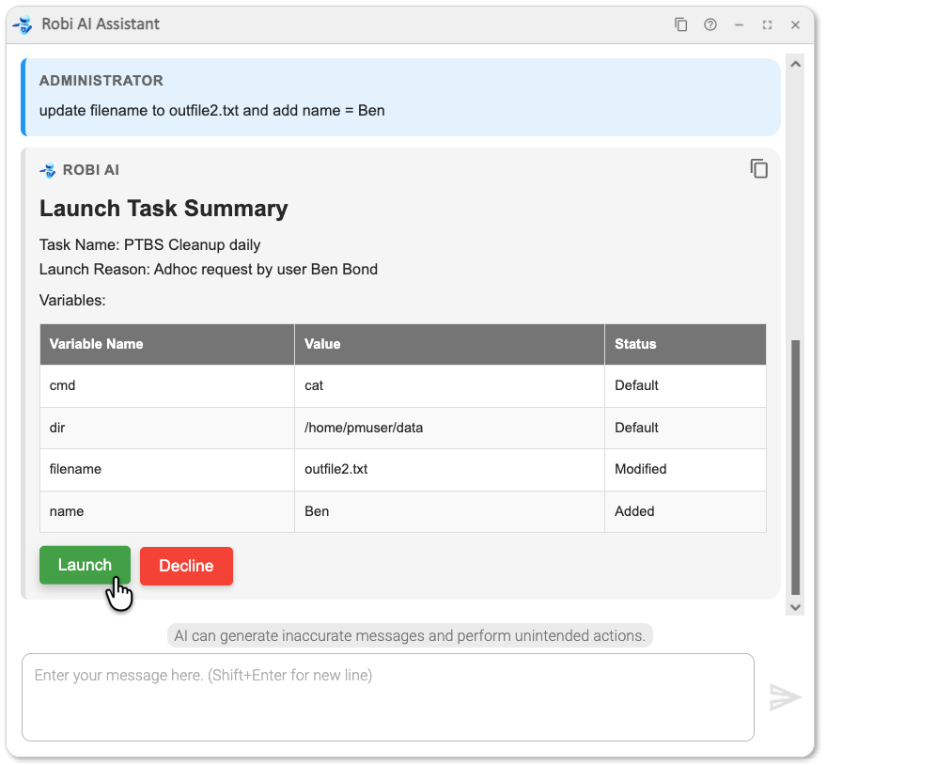
Before executing write or destructive operations (such as launching a task or updating a record), Robi will prompt you for confirmation.
View Buttons
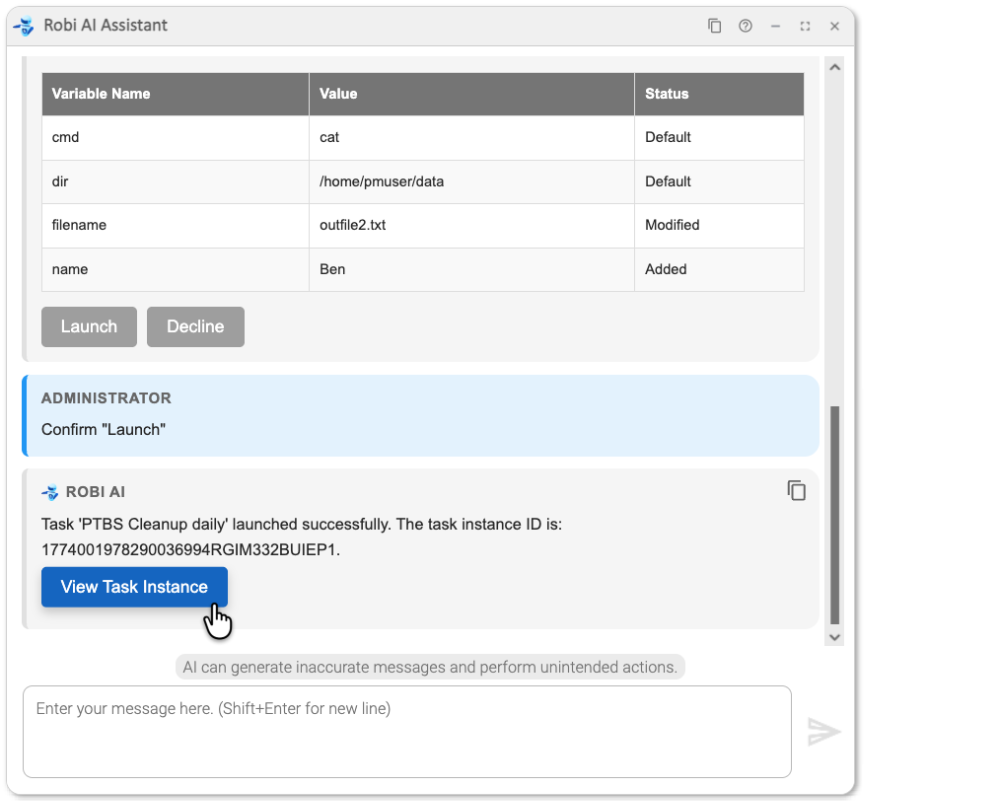
View buttons provide direct links to Universal Controller records, allowing you to navigate to a record form or workflow without manual navigation.
Tables
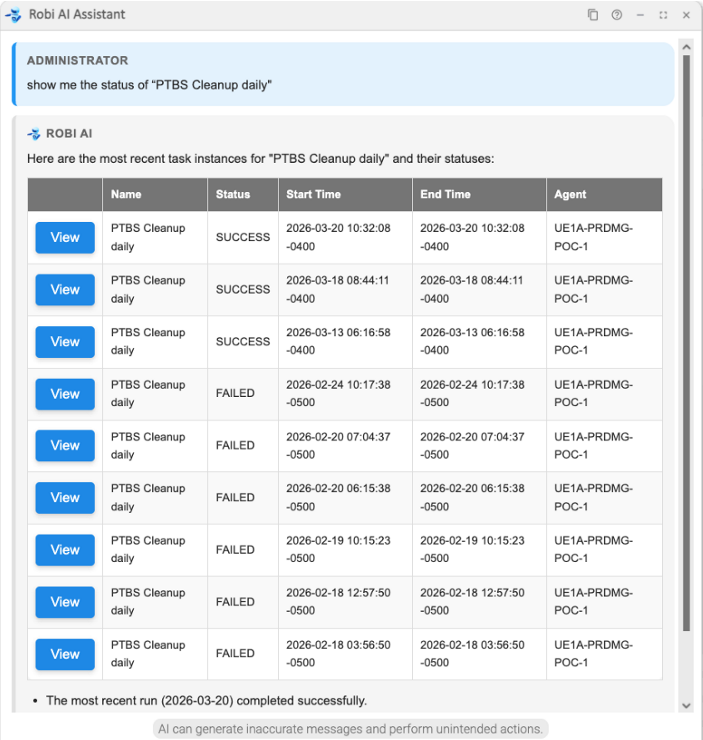
When Robi returns a list of records (for example, task instances matching a query), it presents them in a table. The first column of any record table includes a View button for that record.
Copying Messages
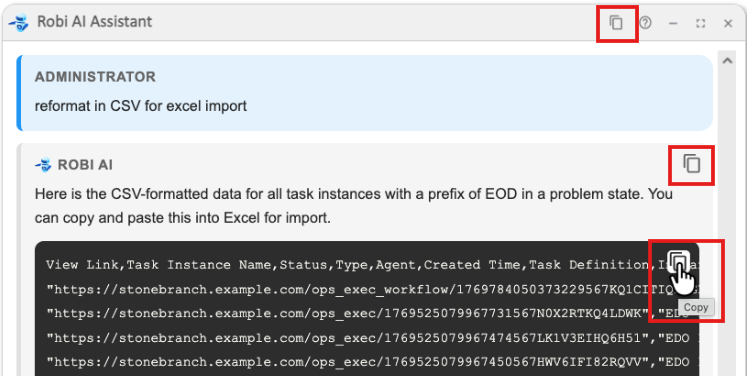
You can copy individual messages, code blocks, or the entire conversation with the Copy buttons in the chat window.
References
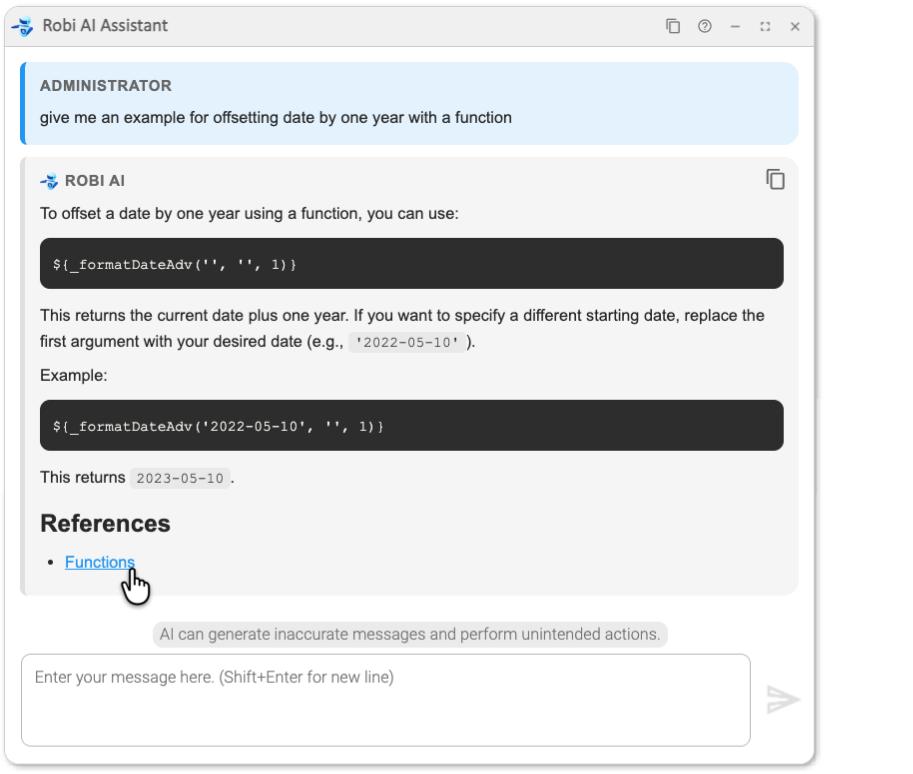
If Robi draws on product documentation when answering a question, it will include links to References at the end of the response that go to the relevant documentation pages.
Guidelines
For more guidance on how to get the most out of the AI Assistant, see Use Cases and Best Practices.